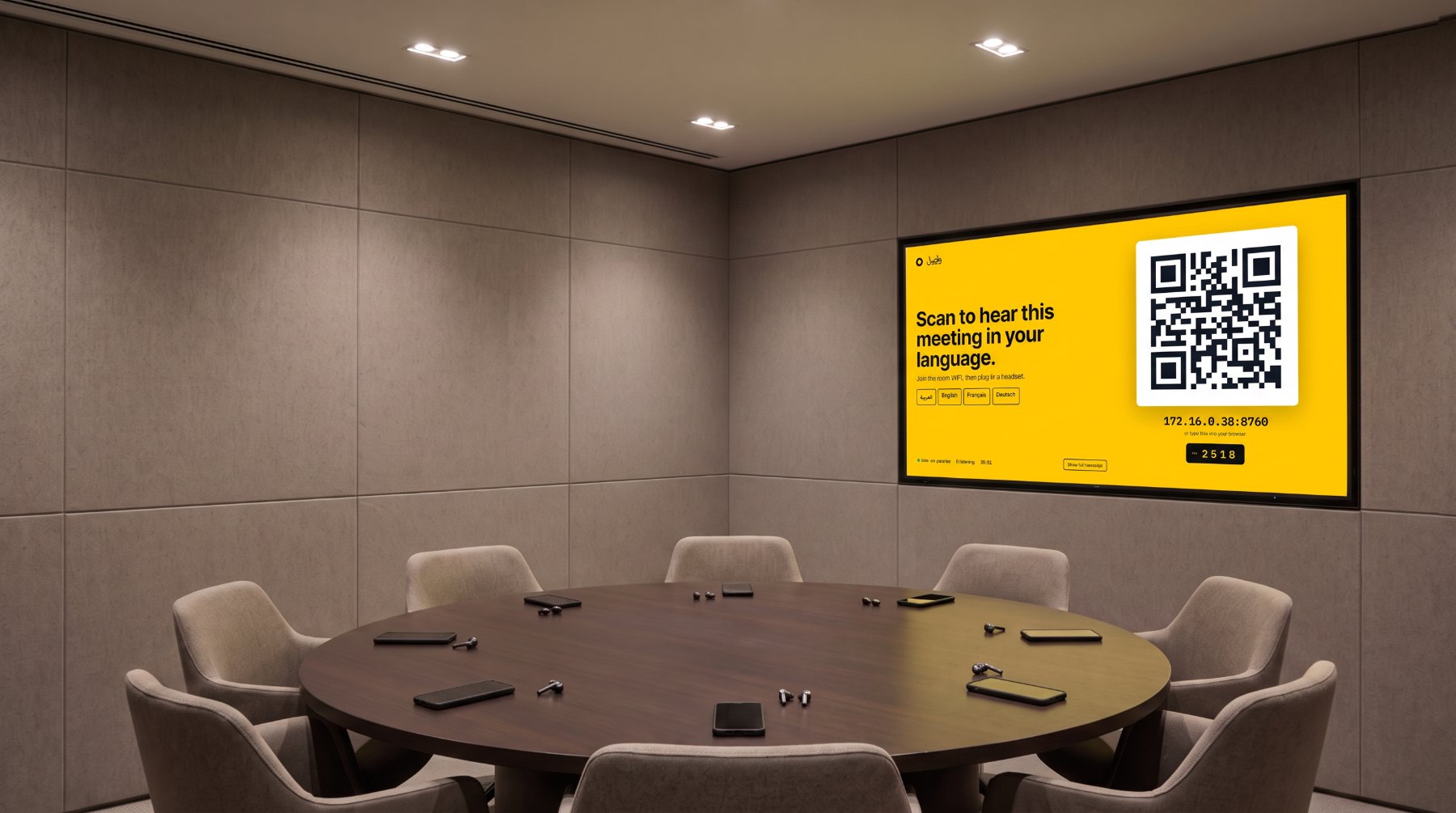
Human interpreters in the room
Cleared linguists are scarce, expensive and booked weeks ahead. Every extra language is another person who hears everything.
Cleared linguists are scarce, expensive and booked weeks ahead. Every extra language is another person who hears everything.
Fast and cheap — and not deployable here. The meeting's audio goes to a third party, outside the facility and often outside the jurisdiction.
No linguist in the room. No packet off the site. One box you own, inspect and switch off.
bytes of meeting audio, text or metadata.
Starting up, idling and running a full meeting with live speech in four languages, the application's processes made no connection to any address outside the PC, and looked up no outside name. Two independent witnesses: the operating system's connection table, and audit hooks inside every process the application starts.
VERIFY IT YOURSELF
Run a span port or host firewall log for the length of an acceptance meeting. Expected result: no outbound flow from the Ovvos Wasel processes.
Default on-premise profile. The application window is drawn by Microsoft Edge WebView2; Ovvos Wasel starts it with background services switched off, and in our measurement it made no outbound connection. Windows Update and other software on the PC stay under your own IT policy.
DATA HANDLING
| ARTEFACT | WHERE IT LIVES | LIFETIME | DEFAULT |
|---|---|---|---|
| Meeting audio | Memory on the room PC | Seconds | Never written to disk — no setting exists that would |
| Recognised text | Memory on the room PC | One sentence | Discarded once spoken |
| Interpreted audio | Room network → the chosen phone | Played once | Not recorded anywhere |
| Captions on a phone | That phone's browser, while open | Until close or meeting end | Not stored on the device |
| Transcript | Room PC memory, only if enabled | Operator-set | OFF |
| Operational logs | Room PC disk | Rotating | The length of each sentence — never its words |
Transcript retention, transcript export and meeting text in logs are three separate switches. Each is off by default and visible to the operator on the Privacy page.
Reachable only from the room network. A per-meeting PIN gates it — until it is accepted, the page offers nothing to choose. Each phone receives only the language its holder picked.
Runs on the room PC inside the operator's Windows session. Access from other machines requires the administrator password — generated at installation, never kept in the shareable configuration.
Output only: the join address, the PIN and the languages running. The live transcript is off until an operator turns it on, and clears when the meeting ends.
Ending a meeting stops interpretation on every handset immediately. Anything not yet spoken is discarded, every phone drops the audio it was holding and says the meeting has ended. Outside a meeting, nothing is interpreted at all.
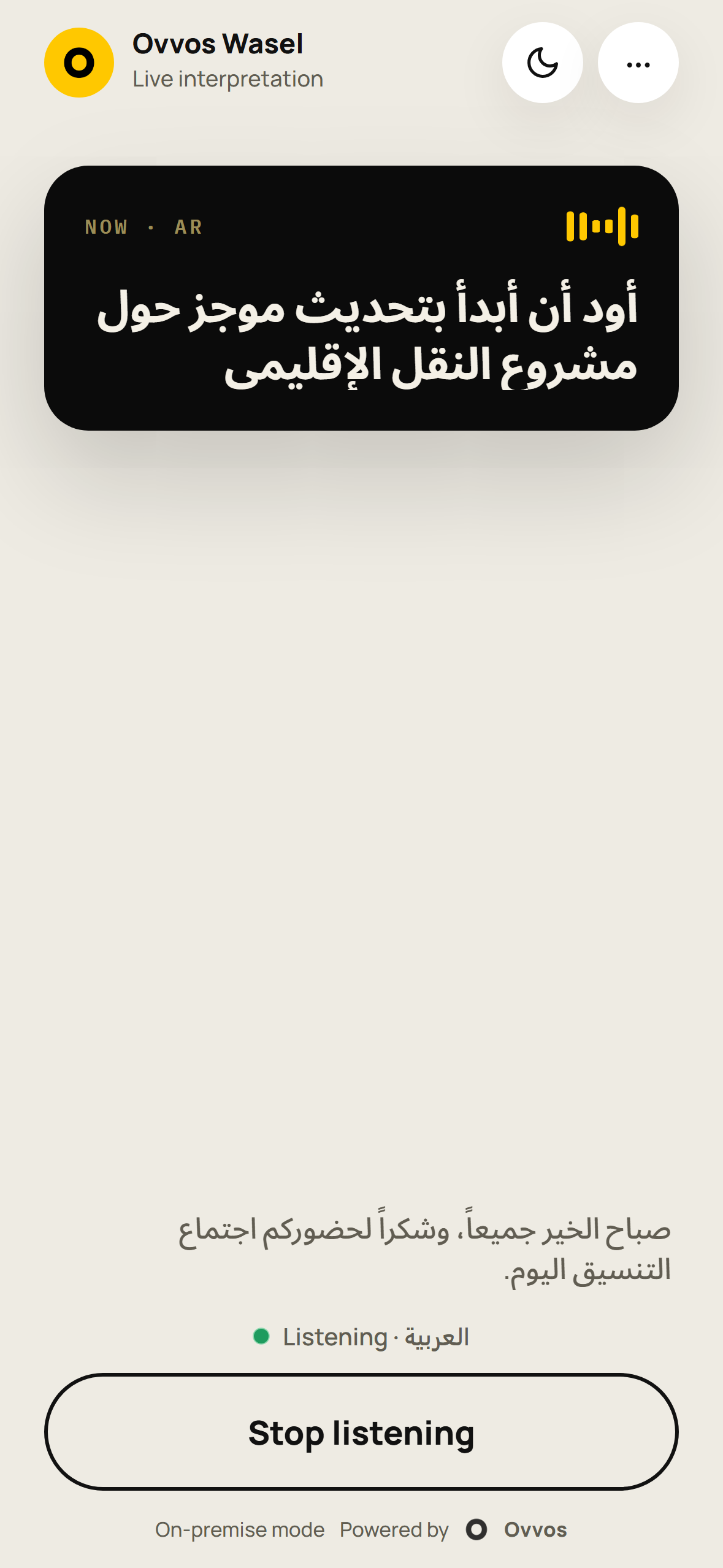
A foreign delegation speaks over the video link; your officials hear it in Arabic.
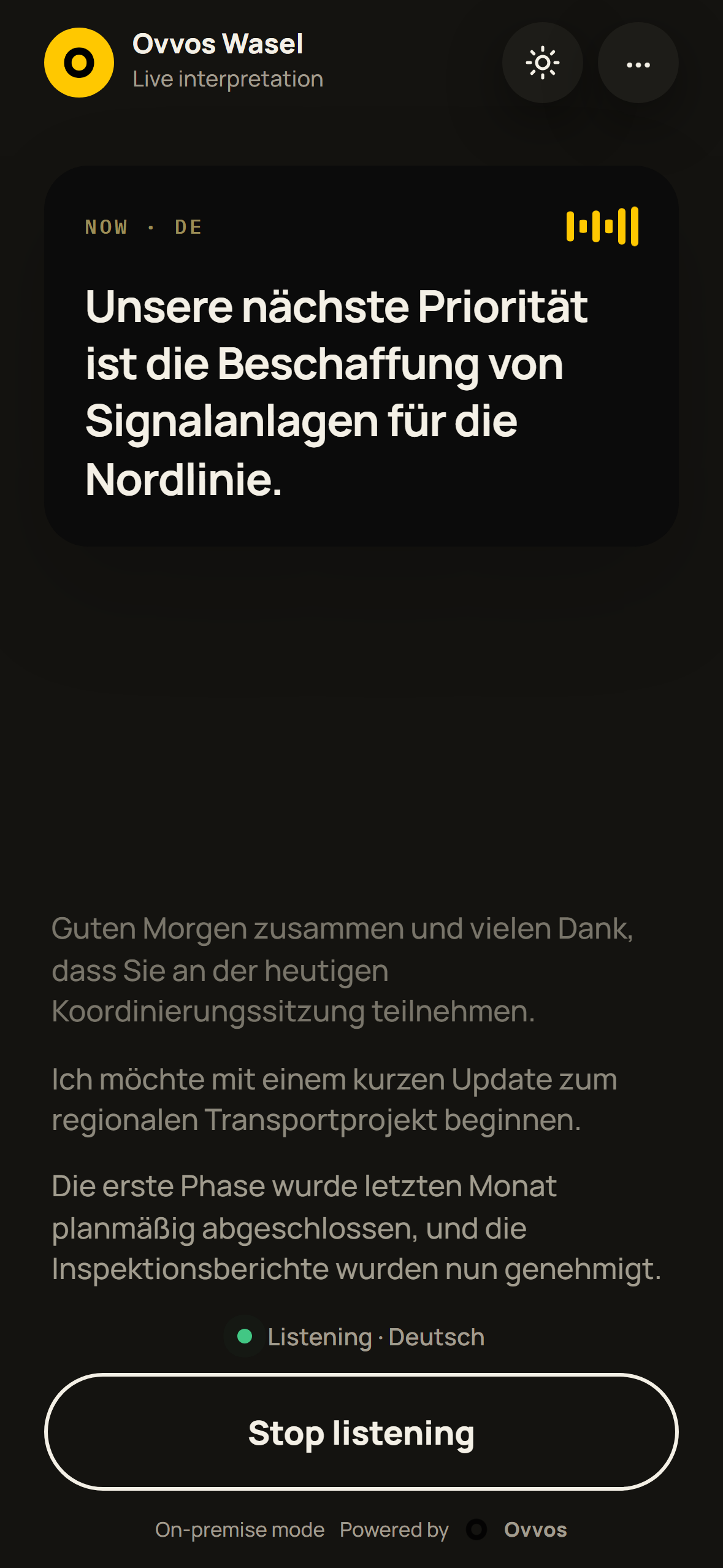
Partner nations brief in English; liaison officers follow in their own languages.
One room, four languages, nobody waiting for a booth.
No third party hears the meeting — human or machine.
STEP 1
You open the door
With your own approved tool, at a time you choose.
STEP 2
Attended throughout
Your staff watch every action as it happens.
STEP 3
The door closes
End the session and the route is gone.
No inbound port. No vendor account. No log upload. No meeting content. Fully air-gapped rooms are supported by telephone with your operator at the keyboard, or by on-site visits under escort.
ACCURACY, STATED HONESTLY
On-premise means models sized for one machine in your building, not the largest in the world. Ovvos Wasel is for following a meeting in your own language. It is not a certified translation, a record of proceedings, or a substitute for a cleared interpreter where a binding rendering is required.
Ranks, unit names and designations are fixed and never drift.
Naming who is in the room removes whole classes of misrecognition.
A line feed from the mixer beats any model upgrade.
The operator sees exactly which stage lost a sentence, and what fixes it.
Yes. It installs from offline media and needs no internet to install, start or run a meeting. Recognition, translation and speech all run on the room PC.
Run a span port or host firewall log for an acceptance meeting. Expected result: no outbound flow from the Ovvos Wasel processes. Our own method and results are in the Network Behaviour Statement.
No. There is no standing agent, vendor account or inbound port. Support happens through an attended session you open, by telephone, or on site under escort.
No. It listens to the room PC's sound output at the Windows audio layer. No app, bot, API key, OAuth consent or tenant approval is involved.
Bring your delegation to our office; your colleagues join from yours, over your usual platform, in their own language. Run your own agenda with your own terminology. Then: accreditation review, installation under your escort, acceptance testing.
Book a demonstration