On-premise live interpretation
Every language in the room. Nothing outside the walls.
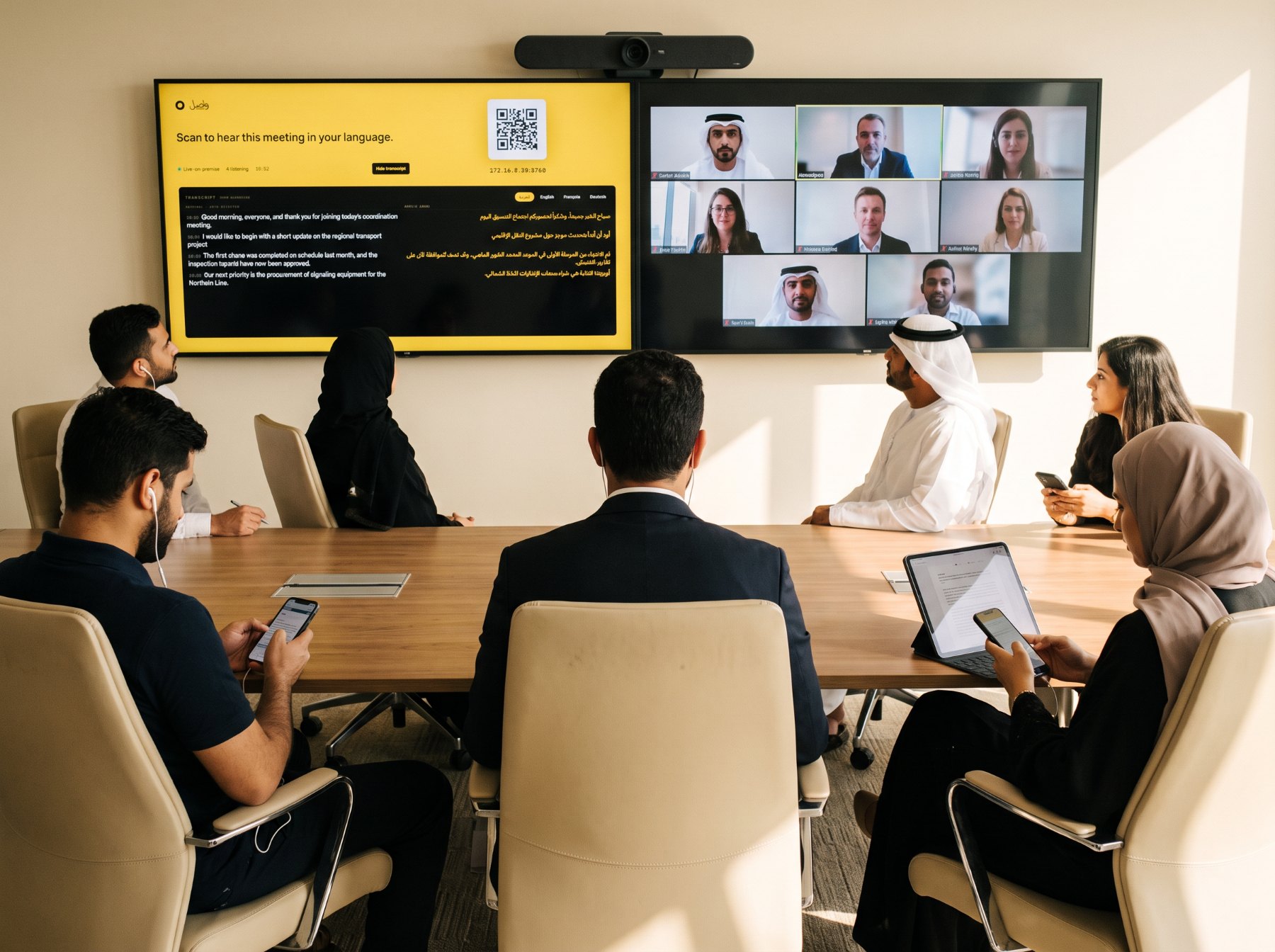
Ovvos Wasel interprets your meeting live into up to four languages at once — on one PC inside your building. Delegates listen on the phones they already carry. Nothing joins your video call. Nothing about the meeting leaves.
- No cloud
- No internet
- No app to install
- No receivers to hand out
- languages it can hear
- 15
- languages it can speak
- 10
- at once, chosen per meeting
- 4
- typically behind the speaker
- 2–4s
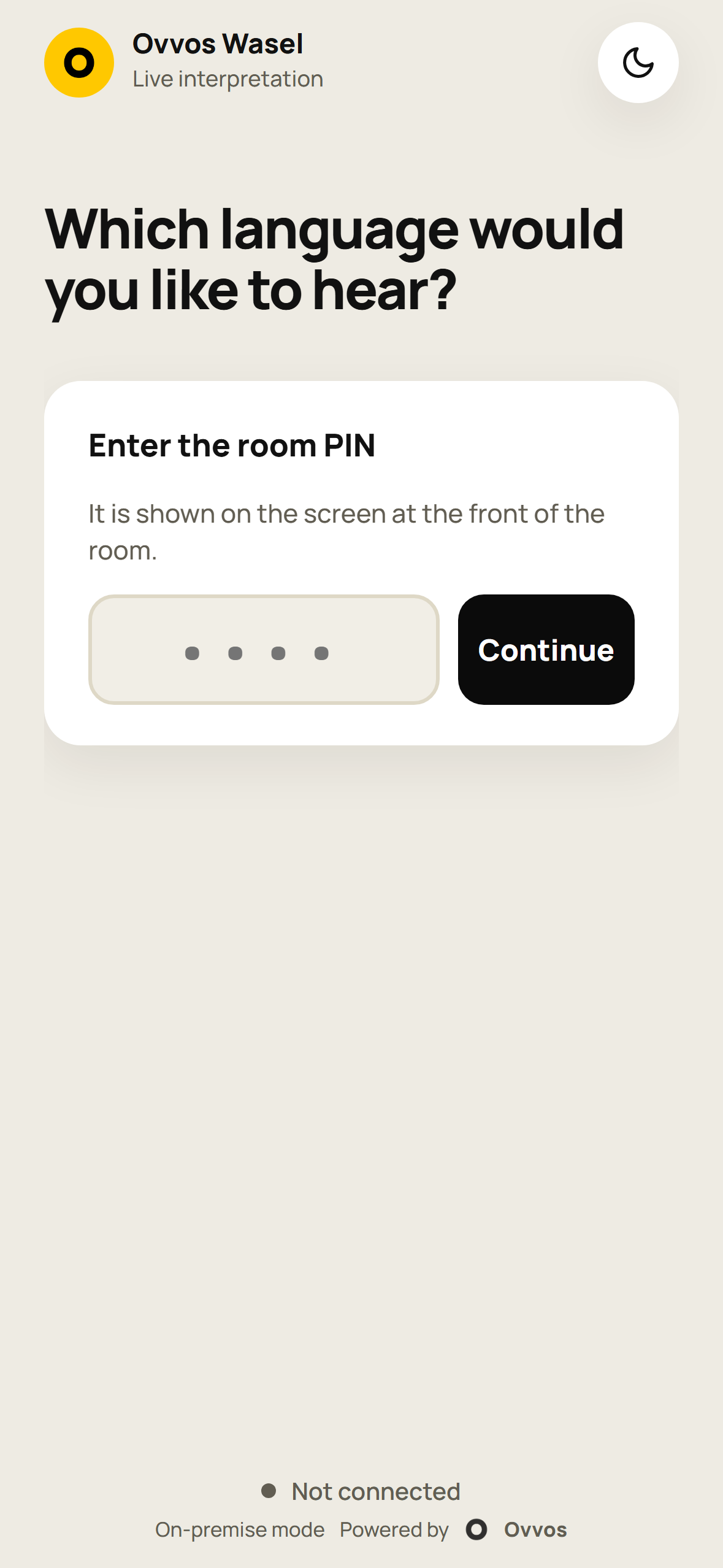
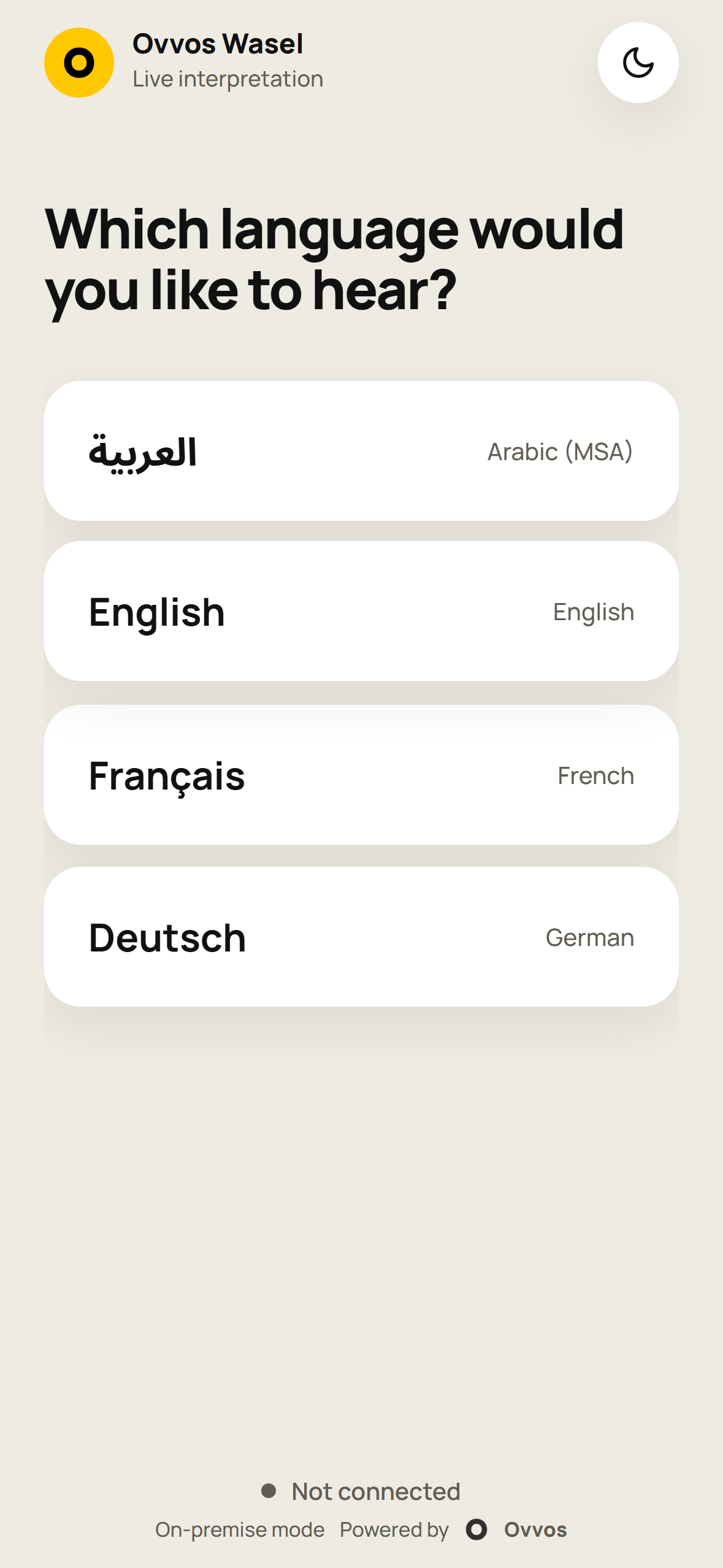
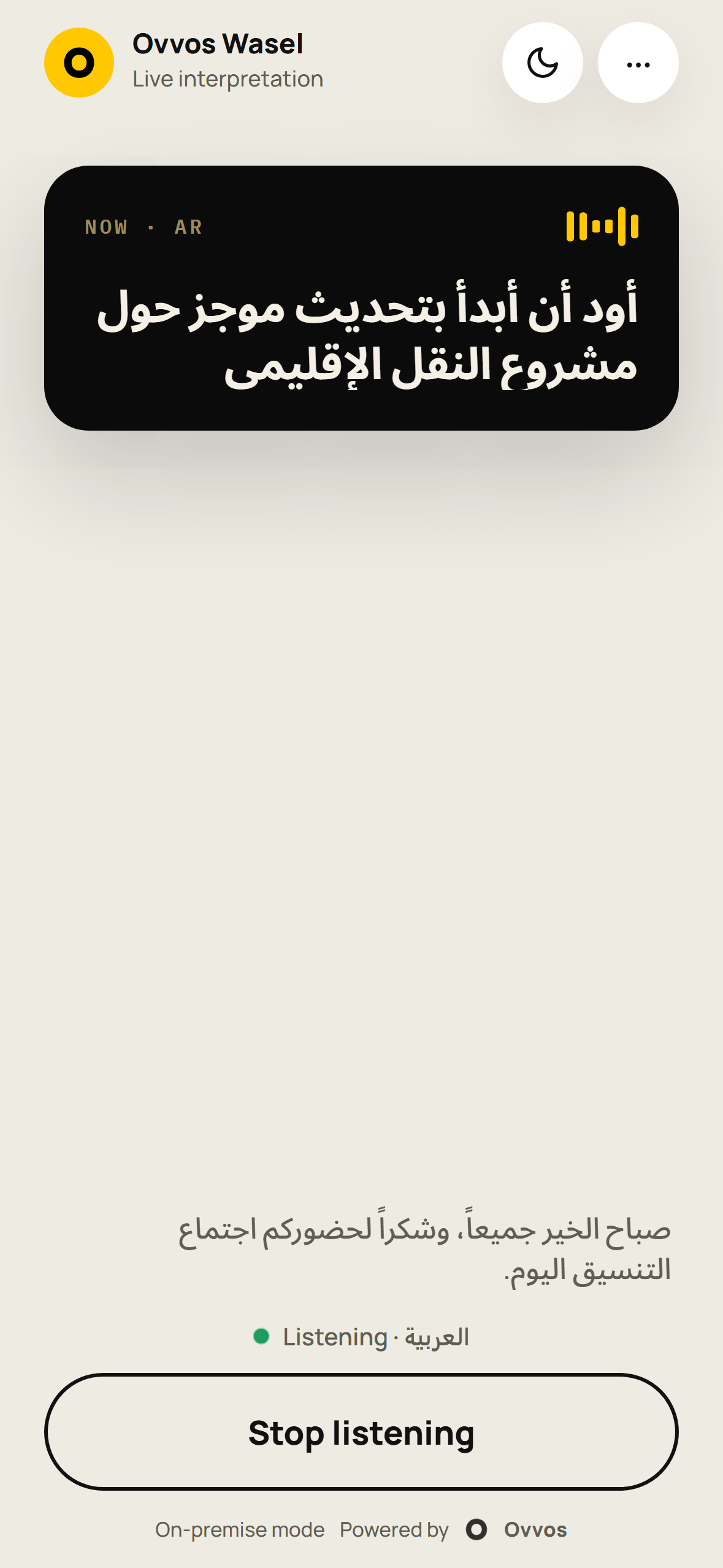
Three taps. No briefing. No hardware to hand out.
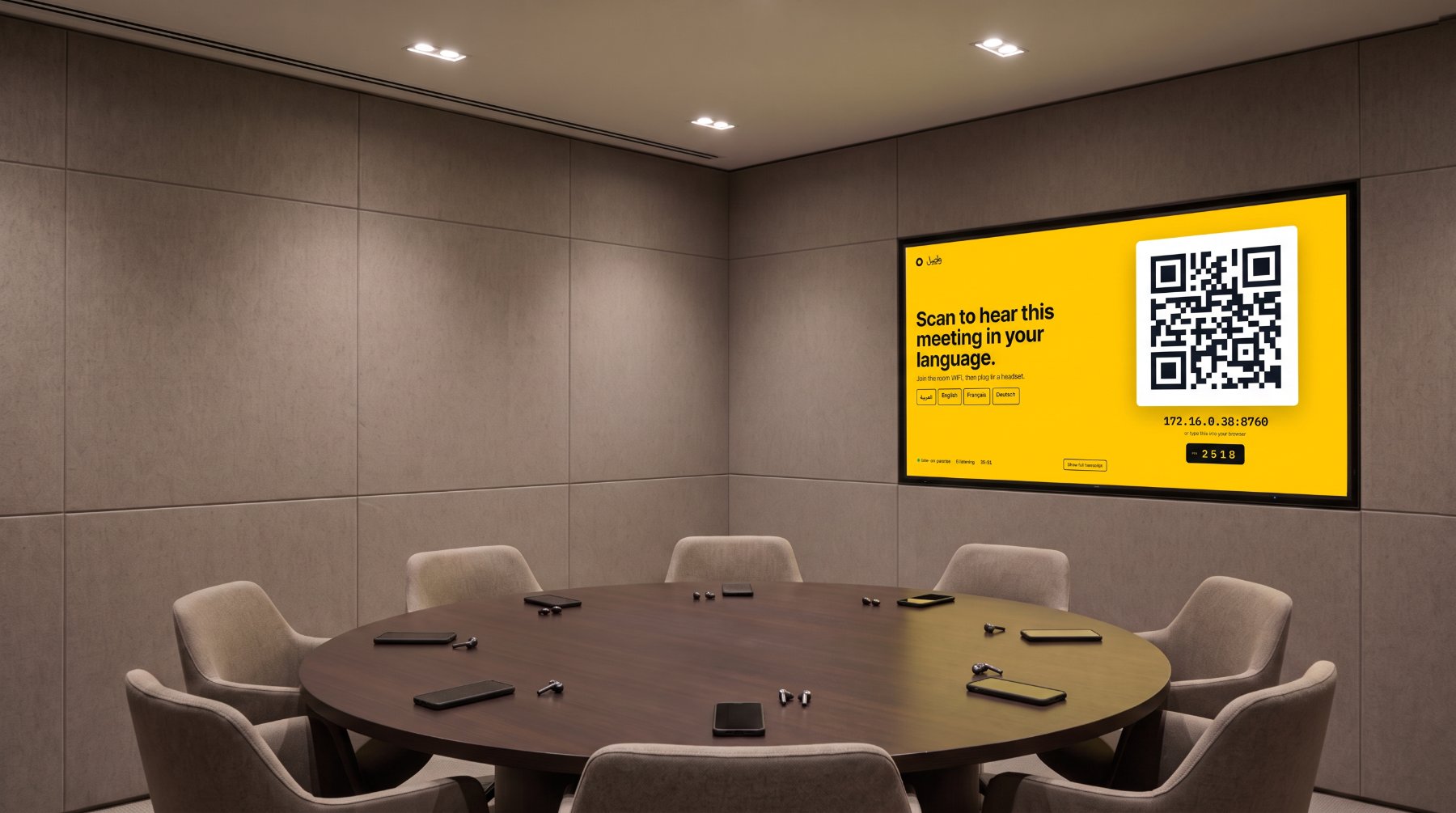
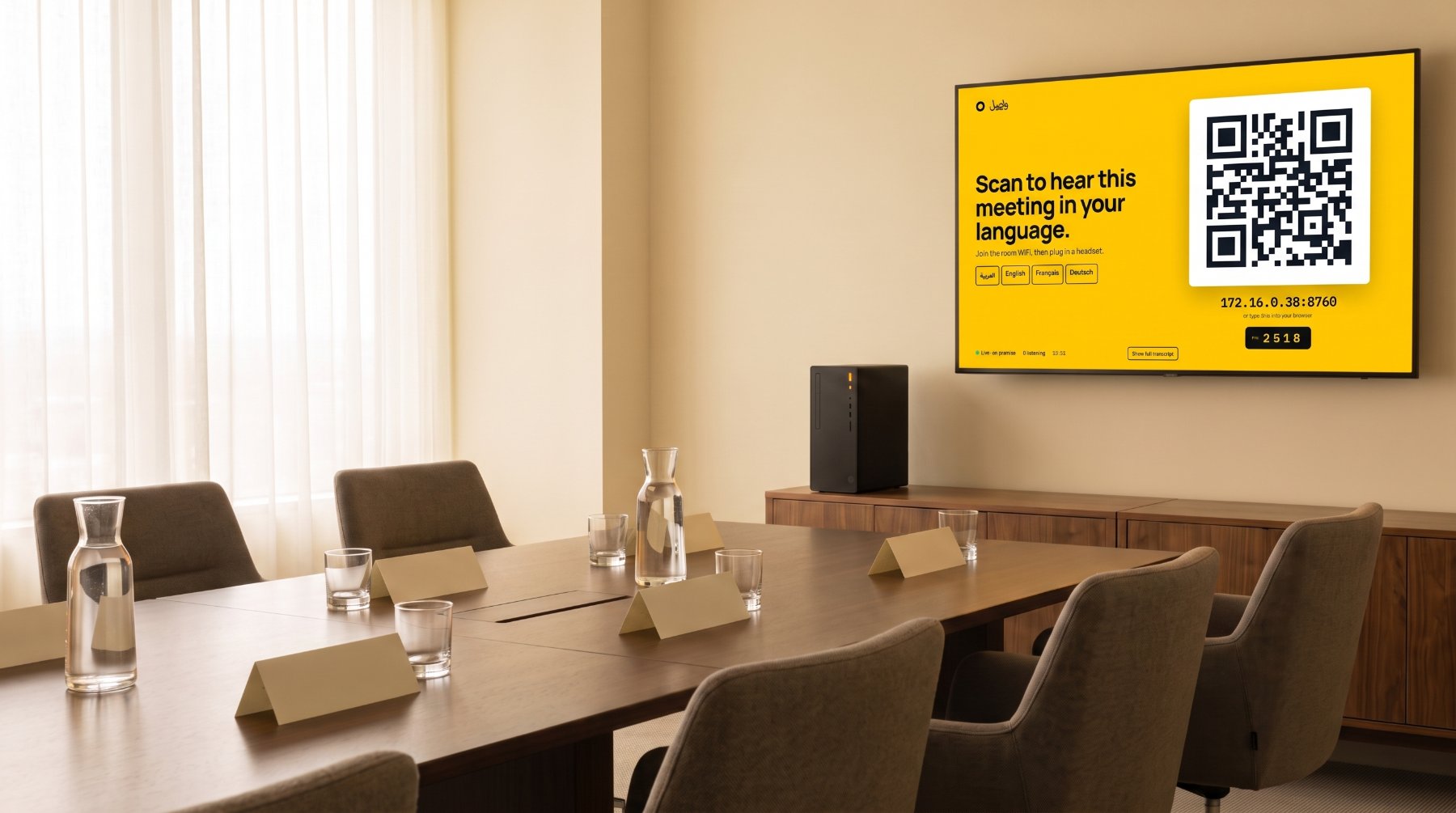
Your guests don't need instructions. The room display tells them what to do, and their own phone does the rest — in the browser, on the room WiFi.

Works alongside Teams, Zoom and Webex. Joins none of them.
No plugin, no bot in the participant list, no ticket for your platform administrator. Ovvos Wasel listens to what the room PC plays — so it works with every platform, and with no platform at all.
- Microsoft Teams
- Zoom
- Cisco Webex
- Google Meet
- Browser calls
- Telephone bridges
- In-room microphones & mixers
- How capture works →
Thirty listeners cost the same as three.
The work happens once per language, not once per person. Fill the room. Invite the whole delegation. The only number you choose is how many languages — up to four per meeting.
Built for rooms where the conversation has to stay inside.
What is Ovvos Wasel?
An on-premise live interpretation system. One Windows PC in your meeting room listens to the meeting, recognises the speech, translates it into up to four languages at once and speaks each translation to participants’ own phones over the room WiFi — typically two to four seconds behind the speaker.
Does it need the internet?
No. On the default on-premise profile it needs no internet to install, start or run a meeting. In a measured meeting, its processes made no connection to any address outside the PC.
Does it work with Microsoft Teams or Zoom?
Yes — alongside them. It listens at the Windows audio layer, so it never joins the call, never appears in the participant list and needs no plugin or administrator approval.
How do participants listen?
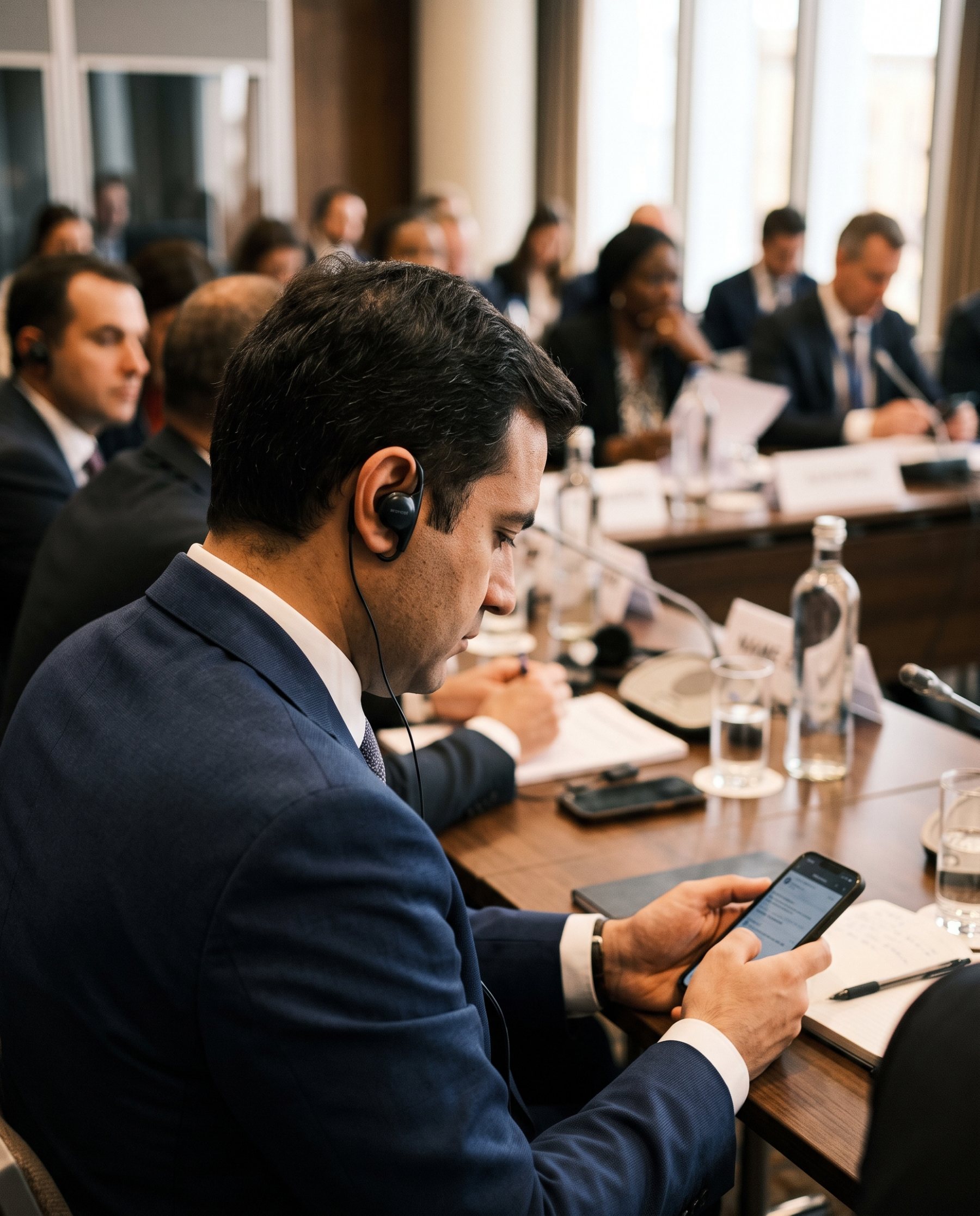
Scan the QR code on the room display, enter the PIN if one is set, pick a language. Audio plays in their headset with a live caption on screen. No app, no account, no receiver.
Does it replace human interpreters?
For following a meeting in your own language, no interpreter is needed in the room. It is not a certified translation or a record of proceedings, and not a substitute where a binding rendering is required.
Judge it on a real meeting, not a slide.
Bring your agenda, your terminology and your accents. Talk over each other. Find the limits. You'll leave knowing exactly where it holds — before anything is installed.
Book a demonstration